Get a Hub account and log in
For working with the TRR379 collaboration platform an account is required. You can either request an account manually, or sign in using “GitLab Aachen” single Sign-On (SSO).
Single Sign-On using GitLab Aachen
In order to sign in with Gitlab-Aachen, visit the TRR379 collaboration platform and click Sign in with Gitlab-Aachen on the login page. Login using your preferred identity provider (i.e., GitHub or your affiliated organization via DFN-AAI SSO). Follow the on-screen instructions to activate your account.
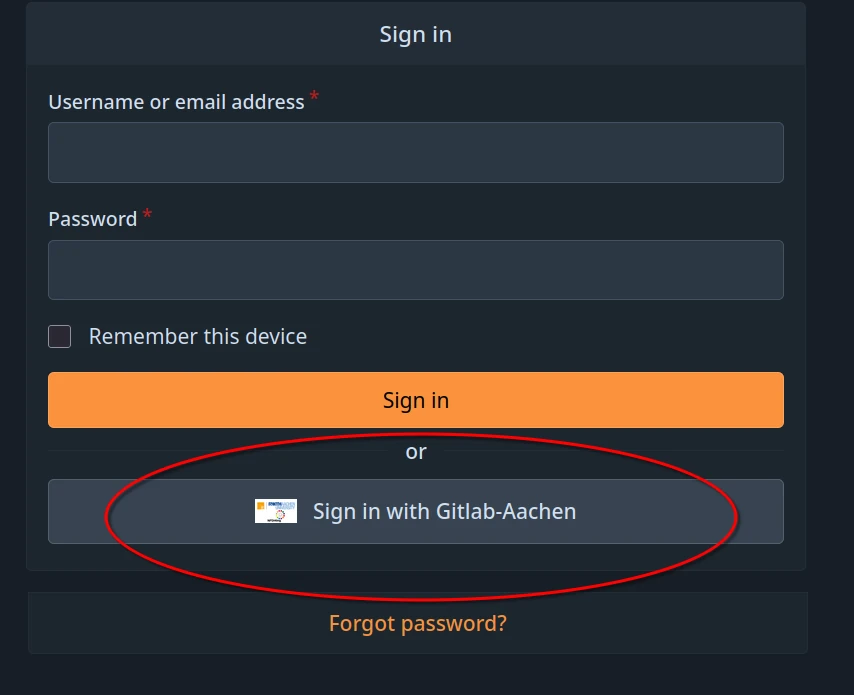
Make sure to visit the confirmation link that will be sent to the email address associated with the account.
Upon confirmation the account will be in a restricted state for security reasons. It will allow for login, but will not give read or write access to any resources. New accounts will then be assigned to the respective projects. To expedite the process, please email trr379@lists.fz-juelich.de with a list of resources you need read and/or write access too (i.e., the knowledge pool, the main website, data hosting).
Manual request
In order to obtain an account manually, please email trr379@lists.fz-juelich.de. Please email from an institutional email, and CC the respective TRR379 project lead. In the email, please mention any projects and/or organizations you require read or write access to.
Please note that a manual request will not allow for using your institutional single-sign-on (SSO).