Get a Hub account and log in
An account is required for working with the TRR379 collaboration platform on Forgejo. You can sign in using “GitLab Aachen” Single Sign-On (SSO) (preferred) or request an account manually.
Single sign-on using GitLab Aachen
- Visit the TRR379 collaboration hub and click Sign in with Gitlab-Aachen on the login page.
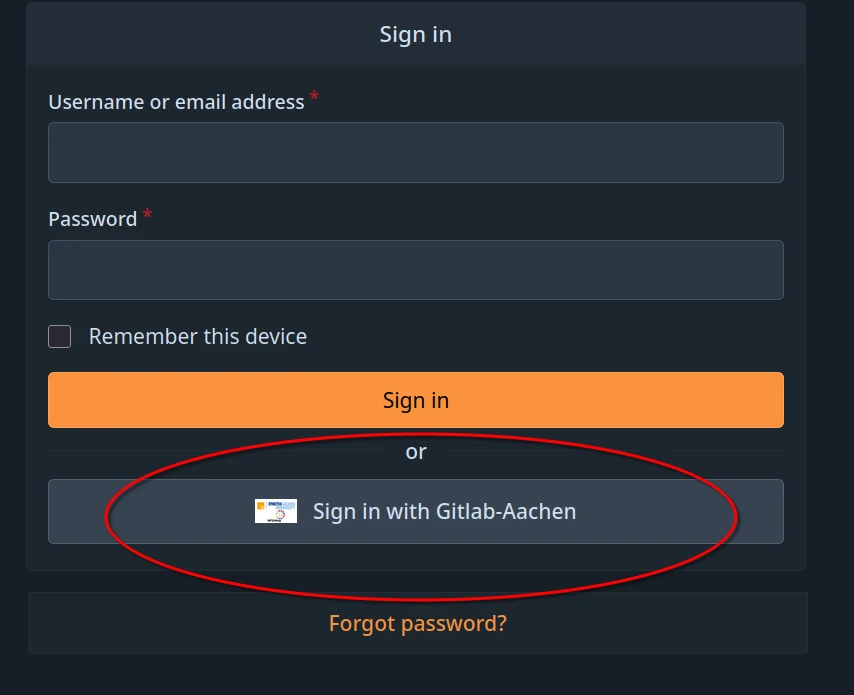
- Log in using your preferred identity provider (i.e., GitHub or your affiliated organization via DFN-AAI SSO) and follow the on-screen instructions to activate your account.
- Visit the confirmation link that will be sent to the email address associated with the account.
Important
If you are using a private account to register (e.g., GitHub, Google, etc.), please email trr379@lists.fz-juelich.de after you registered, explaining your institutional affiliation and relationship with TRR379. If anyhow possible, institutional emails/accounts should be used.
Manual request
In order to obtain an account manually, email trr379@lists.fz-juelich.de. Please email from an institutional email, and CC the respective TRR379 project lead. In the email, mention any projects and/or organizations you require read or write access to.
Note
A manual request will not allow for using your institutional Single Sign-On (SSO).